
hi In this post we will know who install Windows 10. First of all, here is the question, why do you want to install Windows 1 If you have built a new PC, then you have to install Windows. 2 Even if your Windows gets corrupted, you still have to install Windows. If you go to install Windows at a computer shop in the market, then it charges 300-400 rupees from you and does not even provide Windows Activate. Today we will install Windows. You must have a bootable pendrive or cd drive to install Windows. Friend, now we are moving to Windows installation
Step 1: – Firstly configure the pendrive or cd in your pc or laptop, then start your pc or laptop, press the delete key on the keyboard, now you have entered the bios. And serve. Now your pc or laptop will be restarted. If you are installing from cd, after restart, press any key on the keyboard.
Next step: – Select language and time and currency and keyboard and press Next button

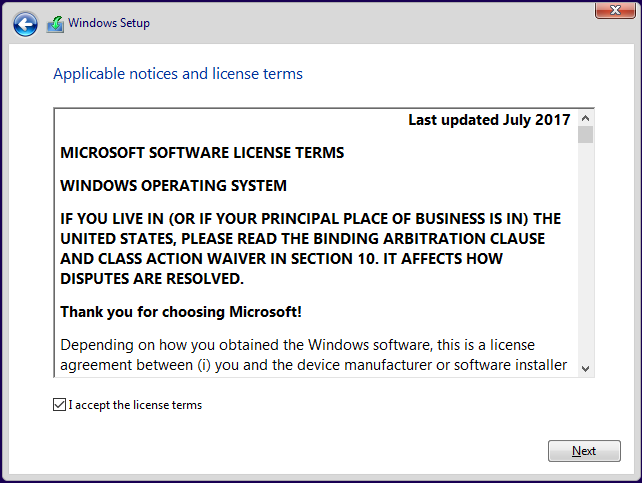
Next step: – Press i ACCEPT THE LICENSEE TERMS AND PRESS NEXT
Next step: – Press Install Now button

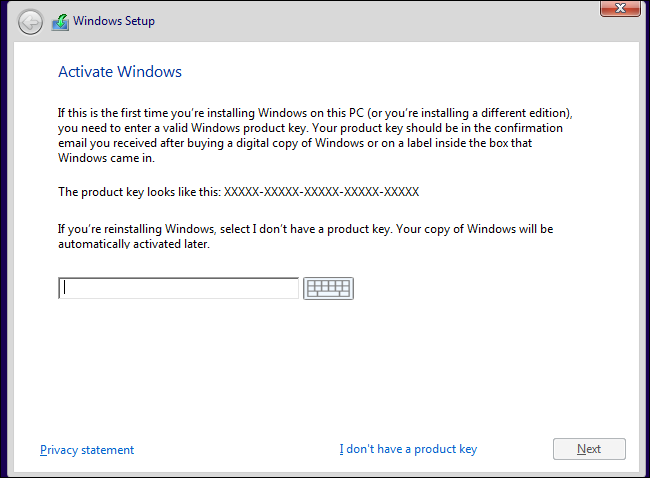
Next step: – Insert the inter for product key and press on the next button, if you do not have the key , then I don’t have a product key
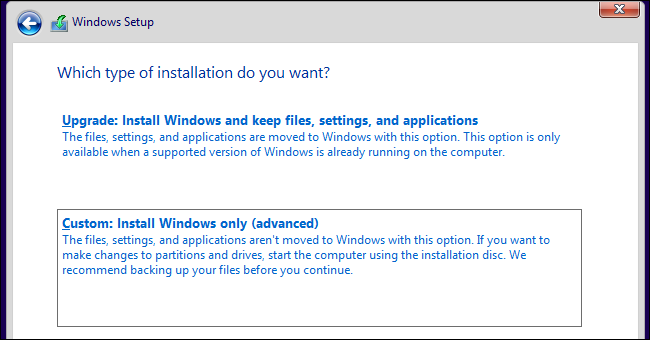
Next step: – Select Custom: Install Windows only (advanced)
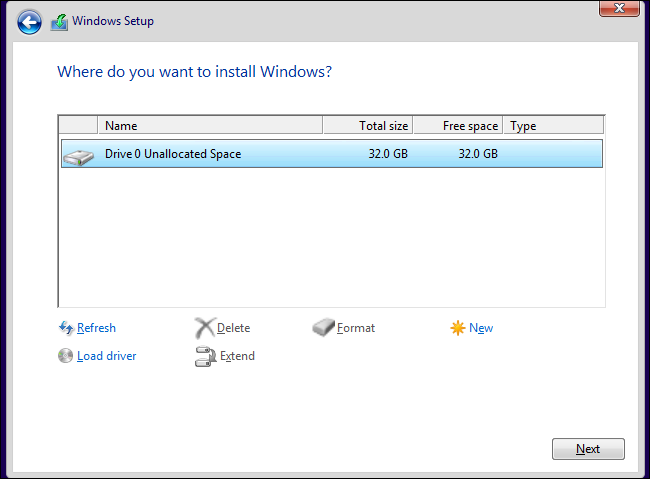
Next step: – Select your disk for Windows install and press Next
Now your Windows is being installed.
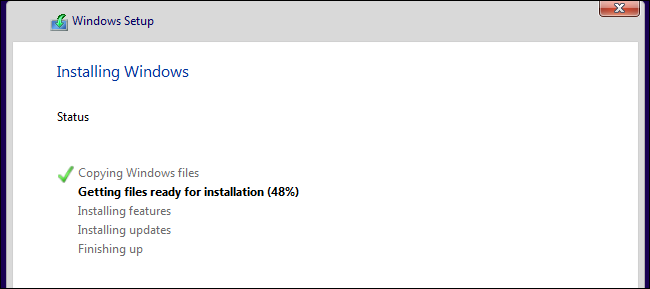
Now your computer will be restarted. Some settings have to be selected after restart.
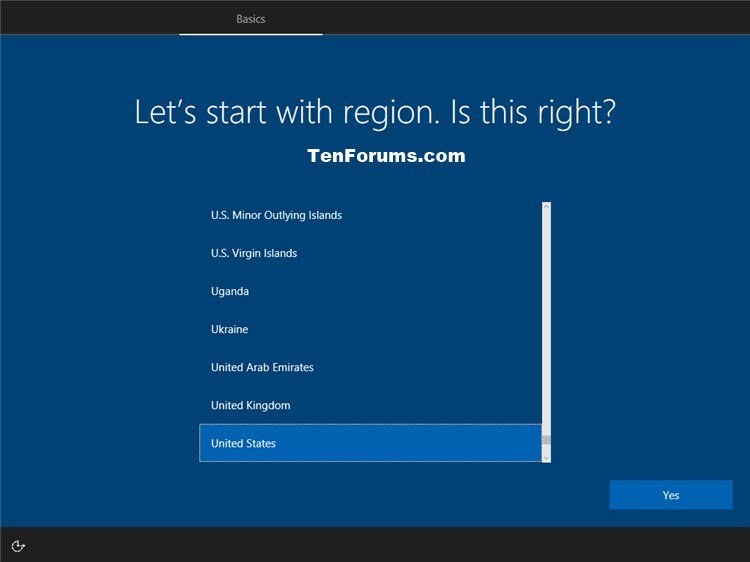
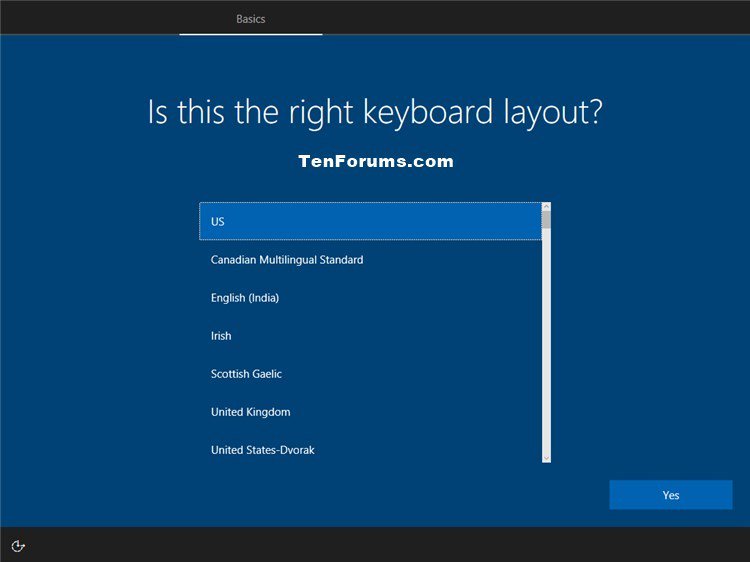
Select your keyboard layout
Select WiFi Network you don’t have wifi to press skip For Now

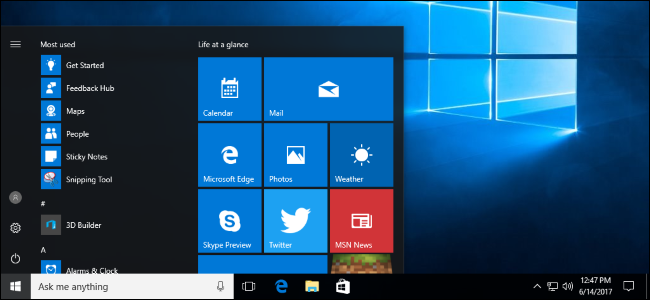
Enter your username and pass after this step your Windows is installed
 Tech Khan